 Finally, the Indian currency Rupee has got it's very own symbol, previously denoted as Rs. or INR (internationally) the currency now has it's own symbol like $ (US Dollar), £ (British Pound), ¥ (Japan Yen) or € (Euro). Since, the new symbol is not yet part of the UNICODE you will need to use special font to use it in your documents - the font can be downloaded from the link provided at the end of this blog post.
To start using the new Indian Rupee Symbol, follow the steps below :
- Download Rupee Font from here.
- Install the font, use instruction here - http://www.adobe.com/type/browser/fontinstall/instructions_english.html.
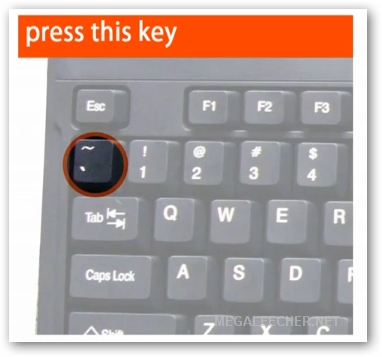
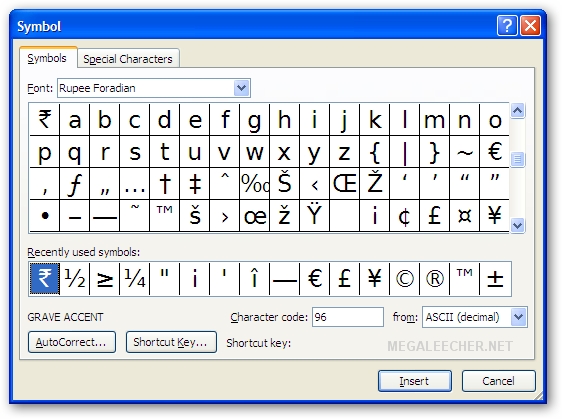
- Launch Word or any other application and select 'Rupee Foradian' as the font, you can use the ~ character on your keyboard to insert the rupee symbol.




0 comments:
Post a Comment